Custom Gobo Projector & Logo Sign Projector Manufacturer - Noparde Gobos

Gobo Projector Rotation 101: Direction, Speed Settings and How to Use Static Mode
A rotating gobo projector brings plain walls, floors and building facades to life with moving patterns, but many users only use the default spinning setting and never explore the full range of controls. Beyond projecting a design, most commercial models let you reverse rotation direction, fine-tune rotation speed, and lock the image into a crisp static mode. Each setting completely changes the look and feel of the projection, and choosing the right combination makes a huge difference in how well the design works for its space.
This guide breaks down how to adjust rotation direction, the practical differences between spinning and fixed projections, and how to match speed to your scene — whether you use the projector for brand signage, ambient decor, or seasonal holiday displays.
How Rotation Works Inside a Gobo Projector
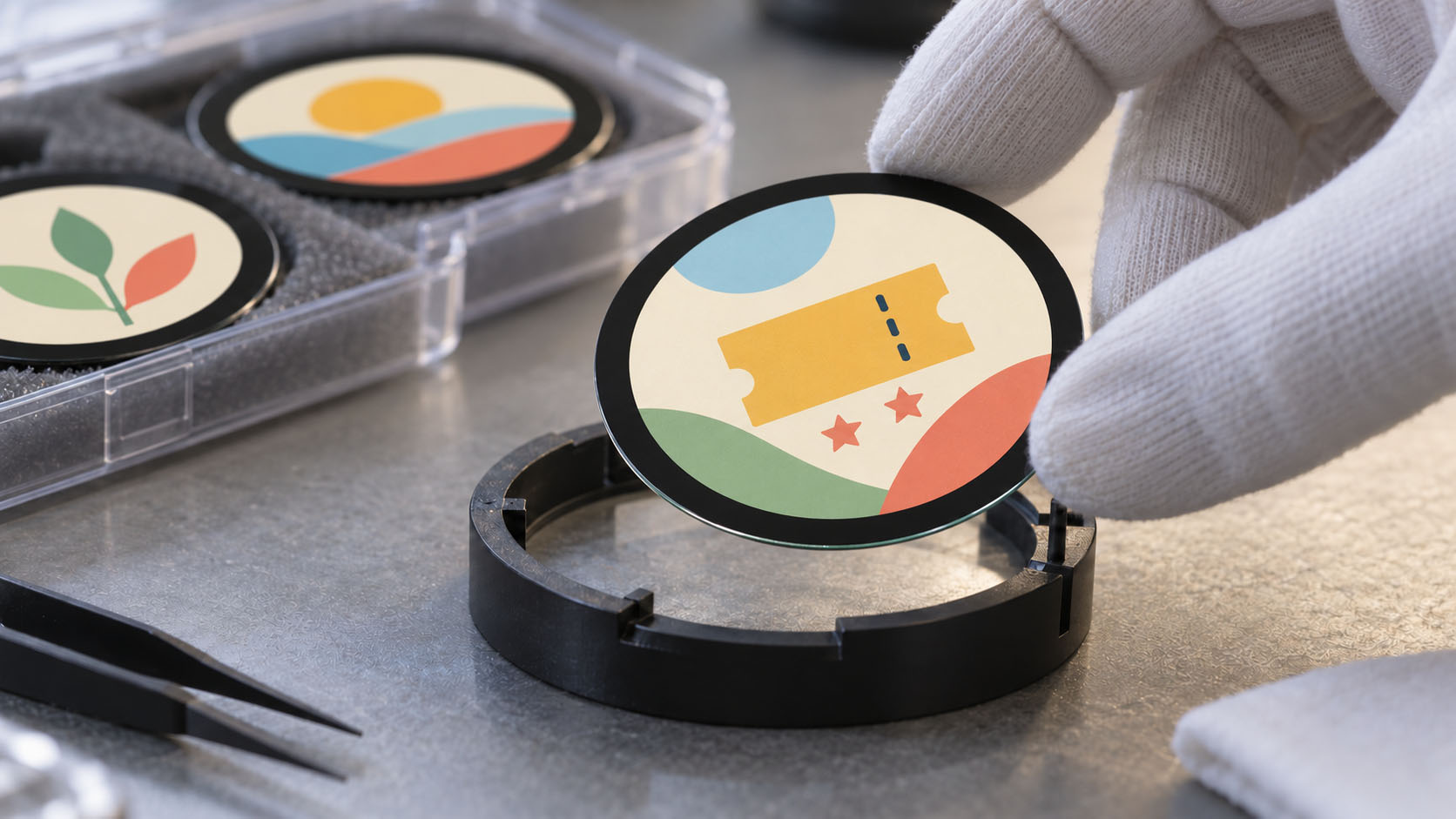
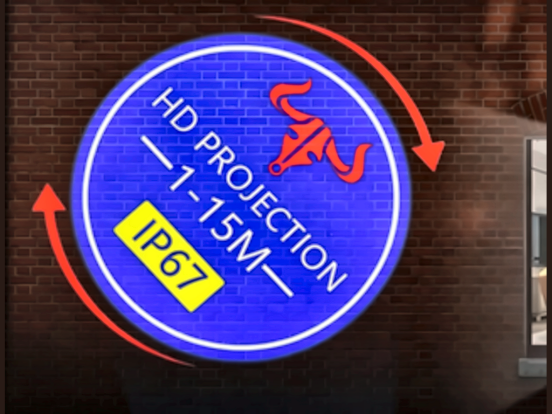
Inside every gobo projector with rotation function, a small electric rotation motor holds the gobo disc in a rotating gobo holder and spins it at a steady rate. As the disc turns, the projected pattern swirls, drifts or sweeps smoothly across the surface, creating a sense of motion that fixed images cannot match. Most commercial models support bi-directional rotation — both clockwise rotation and counterclockwise rotation — plus a full stop mode, and many include variable speed control for finer adjustment.
The rotation mechanism sits between the light source and the focusing lens, so the movement of the disc translates directly into even, consistent motion across the entire projected image. This is what creates realistic effects like drifting water ripples, falling snowflakes, and slowly turning decorative borders.
How to Adjust Rotation Direction
Changing rotation direction is straightforward on most modern projectors, and there are three common control methods depending on the model.
1. Remote Control (Most Common)
Most rotating gobo projectors include a dedicated remote with direction and speed buttons. Pressing the direction button cycles through three states: clockwise rotation, counterclockwise rotation, and static stop. Settings are usually saved in internal memory, so the projector returns to the same mode when powered back on.
This is the fastest, most convenient method for retail, restaurant and event setups, where you may need to adjust settings from the ground without climbing a ladder to reach the fixture.
2. On-Board Physical Controls
Heavier-duty and industrial models often have physical buttons or a small control panel on the back of the fixture. You navigate to the rotation menu, then select rotation run or static stop. Some units also have a simple toggle switch for rotation, with no menu navigation required.
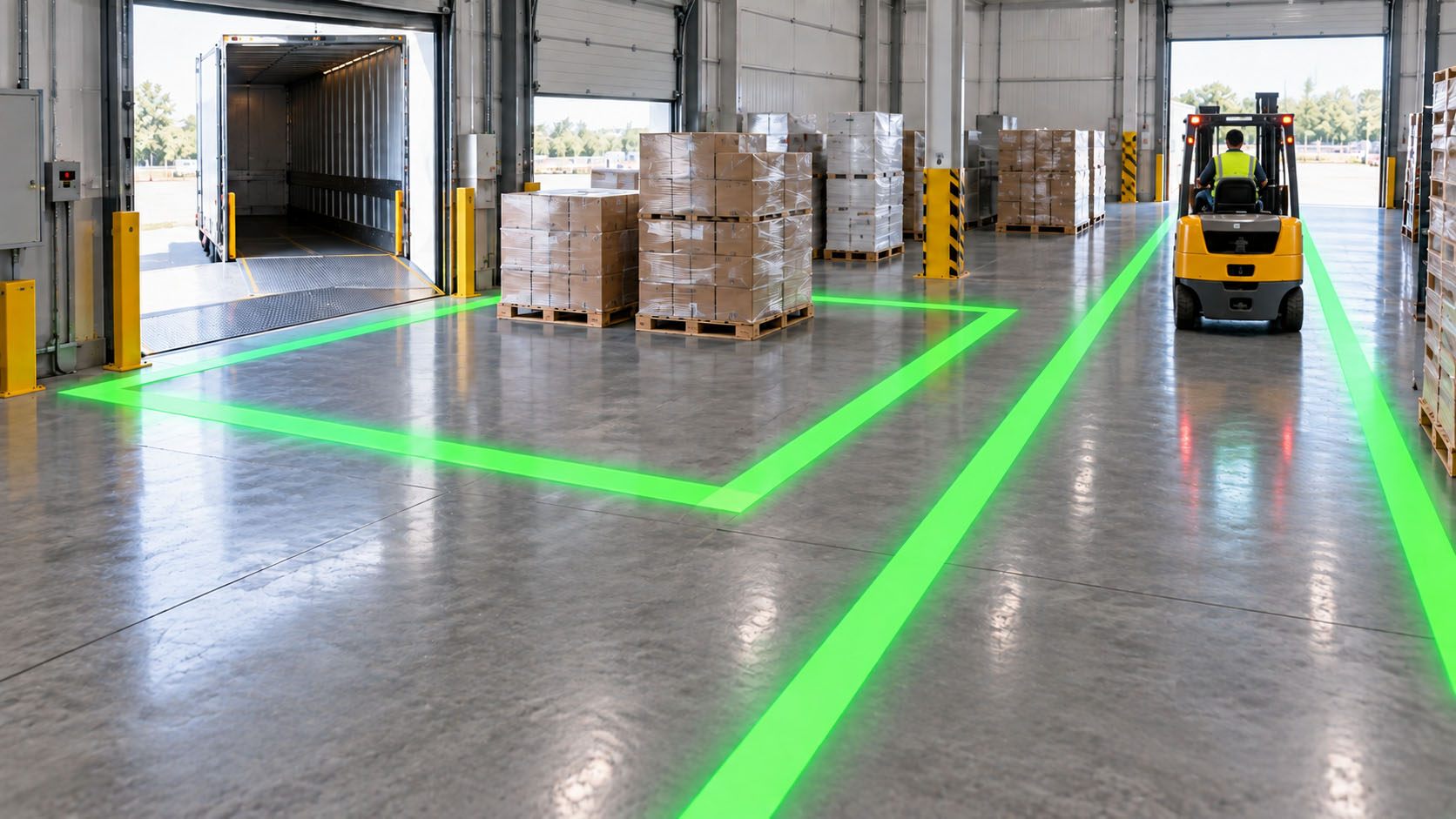
This is reliable for permanent installations where the remote may be lost or misplaced, such as parking garages, warehouse safety lighting and outdoor building facades.
3. DMX / Central Control Systems
For professional stage lighting, large venue setups and multi-projector installations, rotation direction and speed are controlled through a DMX lighting console or building management system. Each direction and speed level maps to a specific DMX channel value, letting you synchronize rotation across dozens of fixtures at once.
This is standard for concert venues, theme parks and large architectural projects where unified timing and direction across all units are required.
Quick tip: For the longest rotation motor life, switch direction at low speed or after pausing briefly. Abrupt full-speed reversals put extra wear on internal gears over time.
Rotating Projection vs Static Projection: How to Use Each Mode
One of the most useful features of a spinner model is the ability to stop rotation entirely. Rotating projection mode and static projection mode serve very different purposes, and many venues use both in different areas of the same space.
Static Gobo Mode
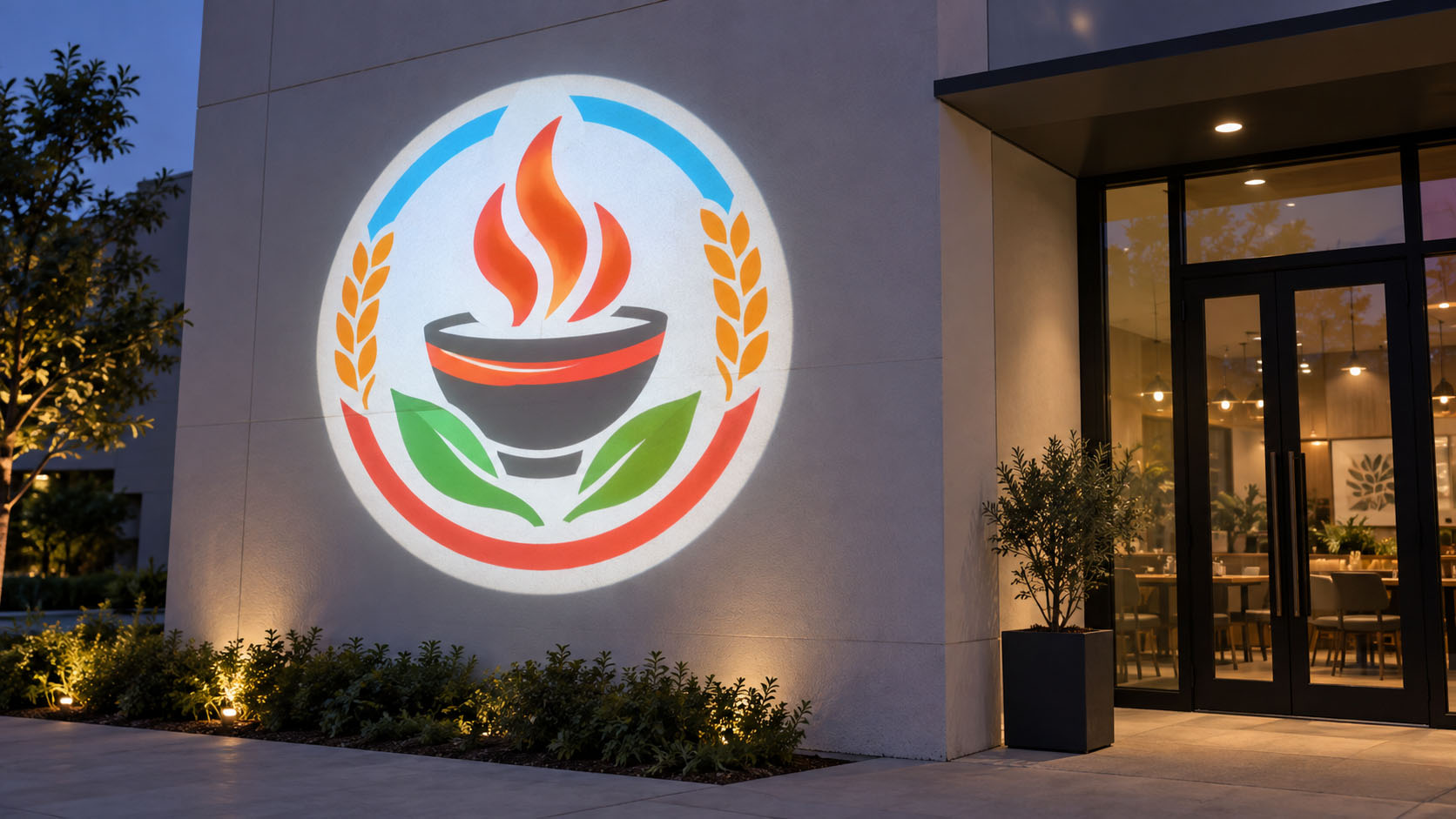
A static gobo lens holds the image perfectly still, producing sharp, clean lines and fully readable text.
- Best for: Brand logos, business names, directional arrows, safety warnings, parking signs and any design that needs to be read clearly.
- Advantages: Maximum clarity, no motion blur, easy to read from a distance, professional and polished appearance.
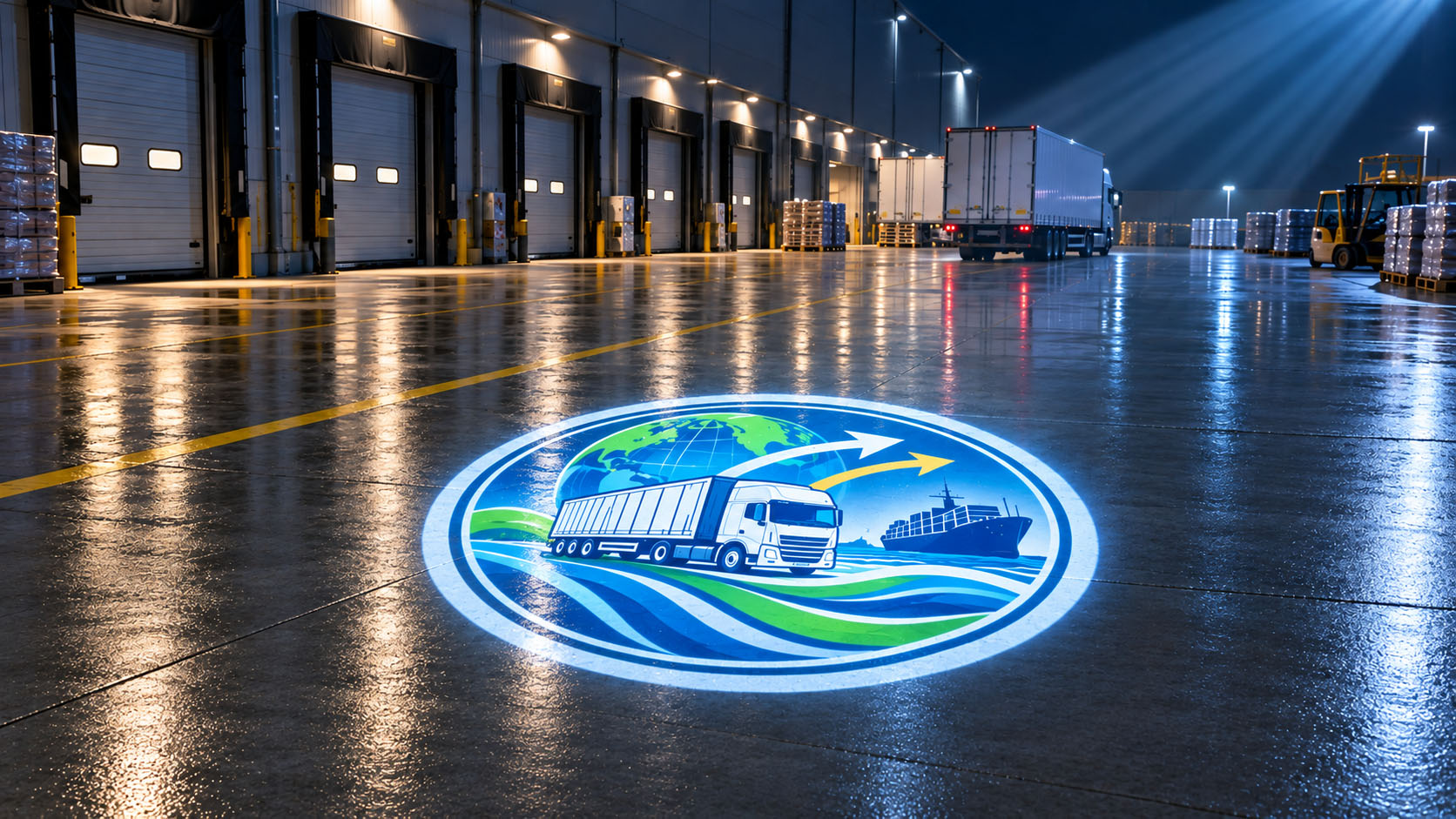
- Where you see it: Store entrance logos, office lobby branding, warehouse safety markings, parking garage directional signs.
Rotating Gobo Mode
A rotating gobo disc creates continuous motion, adding energy, depth and atmosphere to a space. This is the primary function that sets spinner projectors apart from basic fixed-image units.
- Best for: Decorative textures, water ripple effects, snowfall, star patterns, abstract backgrounds and immersive scene setting.
- Advantages: Naturally draws the eye, creates a sense of depth, feels more lively than static decor, works well for mood and atmosphere.
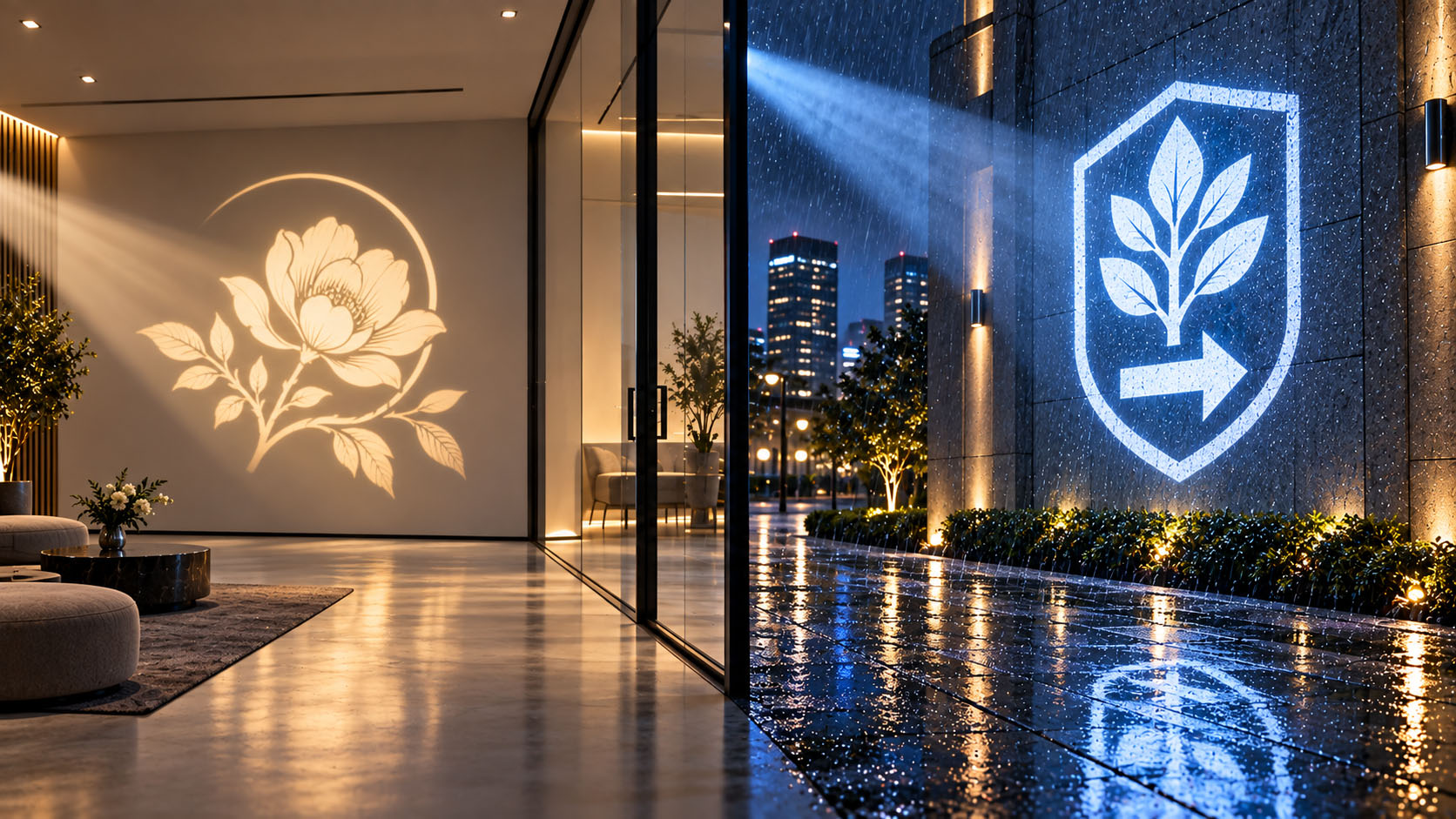
- Where you see it: Restaurant feature walls, hotel lobby ceilings, bar dance floors, holiday window displays, themed event backdrops.
As a general rule: if the projection contains text or a logo that people need to read, use static mode. If it is decorative texture or atmosphere lighting, use rotating projection mode.
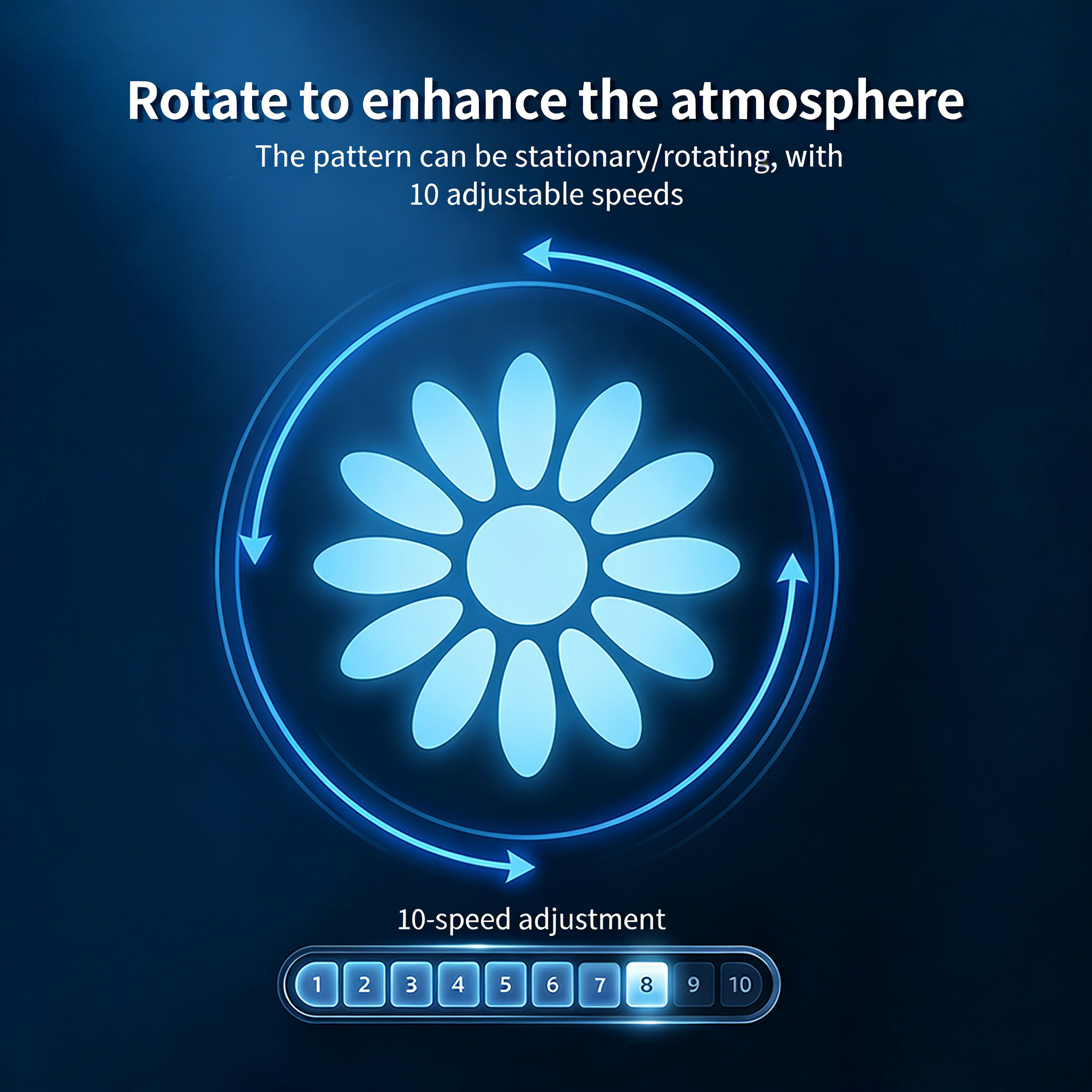
Rotation Speed Adjustment for Different Scenes
Most rotating gobo projectors offer adjustable rotation speed, usually with 3–5 preset levels or a fully variable dial. Speed has a huge effect on mood — a slow drift feels calm and elegant, while fast rotation feels energetic and playful.
Low-Speed Rotation (0.5–2 RPM)
Slow, gentle rotation works best for upscale, relaxed environments. The motion is subtle enough that it does not distract, but noticeable enough to add life to the space.
- Ideal for: Hotel lobbies, fine dining restaurants, wedding venues, spa interiors, high-end retail walls.
- Common patterns: Water ripples, cloud drifts, soft floral textures, delicate geometric borders.
Medium-Speed Rotation (2–8 RPM)
Medium speed balances visibility and comfort. The motion is clear but not overwhelming, making it versatile for most commercial spaces.
- Ideal for: Casual restaurants, shopping mall common areas, storefront windows, cafe interiors, general seasonal decor.
- Common patterns: Snowfall, leaf drift, star fields, decorative borders, brand accent patterns.
High-Speed Rotation (8 RPM and up)
Fast rotation creates high energy and strong visual impact. It is meant to grab attention quickly, not to be watched for long periods.
- Ideal for: Bars, nightclubs, Halloween displays, holiday light shows, concert venues, pop-up events.
- Common patterns: Spinning light rays, party patterns, strobe-like textures, dynamic abstract effects.
Important note: Never run text-heavy logos at high speed. Fast rotation makes text blurry and unreadable, defeating the purpose of branded projections.
Practical Tips for Smooth, Long-Lasting Rotation
- Keep the rotating gobo disc clean. Dust and smudges on the lens become much more visible during rotation, and buildup can eventually interfere with the rotation motor.
- Match speed to the pattern size. Large, wide patterns look better at slower speeds; small dense patterns can handle faster rotation.
- For permanent 24/7 installations, choose projectors with brushless rotation motors and good heat dissipation. They run quieter and last far longer than basic motors.
- If using multiple projectors in the same space, set them to the same rotation direction and speed for a cohesive, professional look.
Noparde Rotating Gobo Projector Solutions
Noparde’s full line of rotating gobo projectors includes bi-directional rotation, adjustable speed, and one-click static mode as standard features across all models.
Our indoor decorative units come with an intuitive remote control for fast direction and speed changes, perfect for restaurants, retail stores and event spaces. For outdoor and industrial use, our IP65/IP66 weatherproof models include both remote and on-board controls, with durable long-life rotation motors built for continuous nightly operation. All models support quick-swap rotating gobo discs, so you can easily switch between logo designs and decorative effect patterns for different seasons and promotions.
For larger engineering projects, we also offer DMX-compatible models that integrate with professional lighting control systems for synchronized multi-fixture rotation.
Final Thoughts
Rotation controls are what turn a basic logo projector into a versatile lighting tool. By adjusting direction, switching between static and rotating modes, and tuning the speed, you can use the same rotating gobo projector for clear branding, soft atmosphere lighting, and high-energy event displays.
The best settings always depend on the space and the goal: static for readability, slow rotation for elegance, and faster motion for energy. With a little tuning, a single projector can serve completely different roles throughout the day and across different seasons.